CarouselView
一个基于Material设计的轮播图组件
CarouselView是一个Material Design轮播组件,用于创建可滚动的动态列表。它类似于ListView,但支持项的大小动态调整、吸附效果和各种布局模式,适用于图像画廊、产品展示或内容滑动器等场景。CarouselView支持水平或者垂直滚动,默认水平。
CarouselView的布局主要通过两个构造函数实现:
CarouselView()默认的uncontained布局模型,所有子项均匀大小,类似于ListView。CarouselView.weighted()支持动态项大小,通过权重weights分配视口比例,实现更加复杂的布局,如hero或者multi-browse。
主要的布局类型:
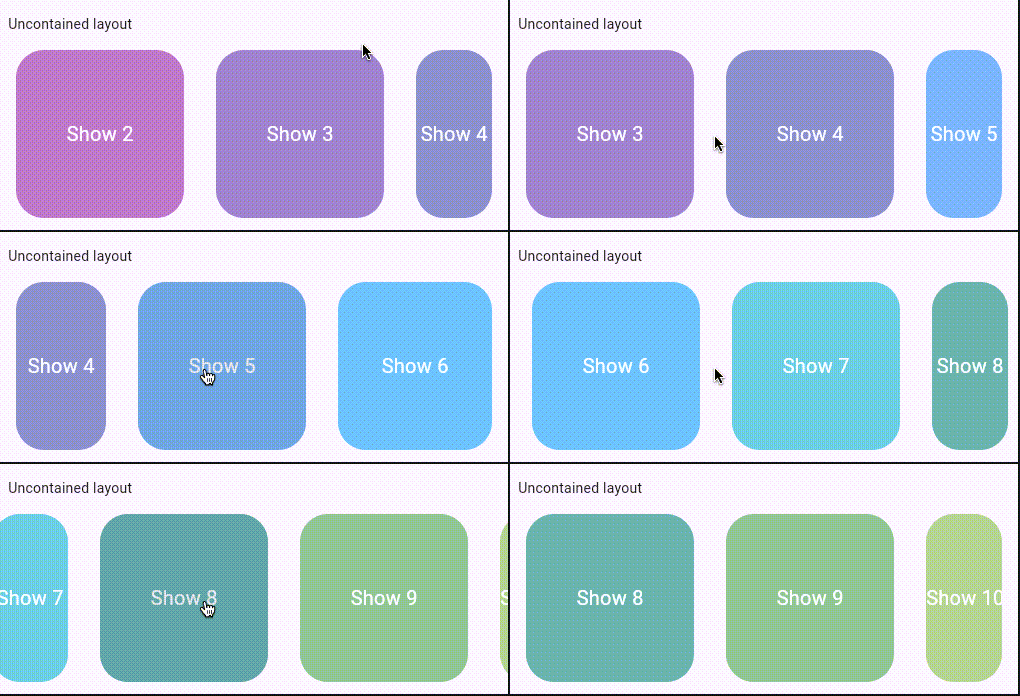
Uncontained默认布局
这是CarouselView的默认布局,所有子项大小均匀,滚动到容器边缘,类似于ListView。适合简单、均匀的轮播,如产品卡片列表。项不会动态缩放,滚动平滑,支持无限滚动(通过PageController)。
示例
import 'package:flutter/material.dart';
class UncontainedCarousel extends StatelessWidget {
Widget build(BuildContext context) {
return Scaffold(
body: CarouselView(
itemExtent: 200, // 每个项宽度(水平滚动)
padding: const EdgeInsets.all(16),
itemSnapping: true, //滚动到边缘时吸附
children: List.generate(5, (index) => Card(
child: Center(child: Text('Item $index')),
)),
),
);
}
}
Full-Screen布局
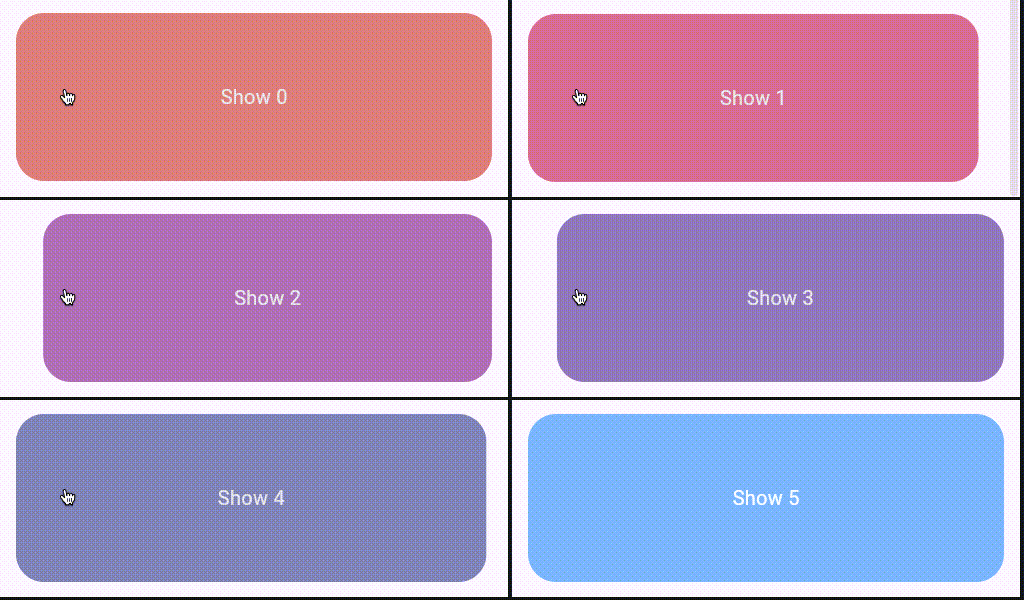
项占满整个视口,提供沉浸式体验,常用于图像画廊或全屏产品展示。只显示一个项,滚动时完全替换。使用uncontained模式,但是将itemExtent设置为视口大小(double.infinity或者MediaQuery获取屏幕尺寸)。结合垂直滚动scrollDirection: Axis.verical可实现全屏滑动。
示例
import 'package:flutter/material.dart';
class FullScreenCarousel extends StatelessWidget {
Widget build(BuildContext context) {
return Scaffold(
body: CarouselView(
scrollDirection: Axis.vertical, // 可选:垂直全屏
itemExtent: double.infinity, // 占满视口
itemSnapping: true,
children: List.generate(10, (index) => Image.network(
'https://picsum.photos/500/800?image=$index',
fit: BoxFit.cover,
width: double.infinity,
height: double.infinity,
)),
),
);
}
}
Multi-Browse布局
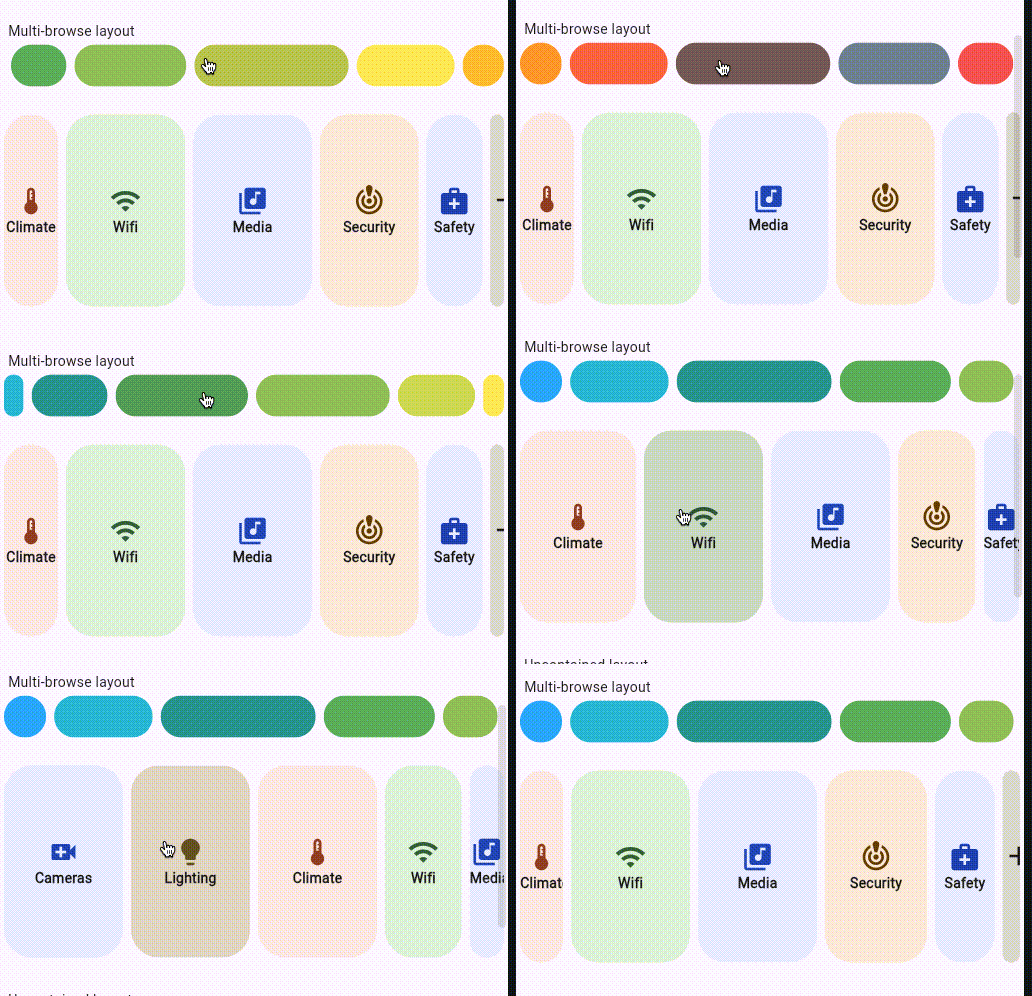
允许多个项同时可见,每个项根据权重动态分配视口比例(如[3,2,1]表示前项较大,后项渐小)。使用weighted构造函数,实现"瀑布式"布局,项进入/退出视口时大小渐变。适合浏览多个相关内容,如新闻卡片或者多产品预览。当第一项完全移出屏幕时,后续项保持相同比例。
示例
import 'package:flutter/material.dart';
class MultiBrowseCarousel extends StatelessWidget {
Widget build(BuildContext context) {
return Scaffold(
body: CarouselView.weighted(
flexWeights: const [3, 2, 1], // 权重:前大后小
padding: const EdgeInsets.all(8),
children: List.generate(5, (index) => Container(
color: Colors.blue[100 * (index + 1)],
child: Center(child: Text('Browse Item $index')),
)),
),
);
}
}
Hero布局
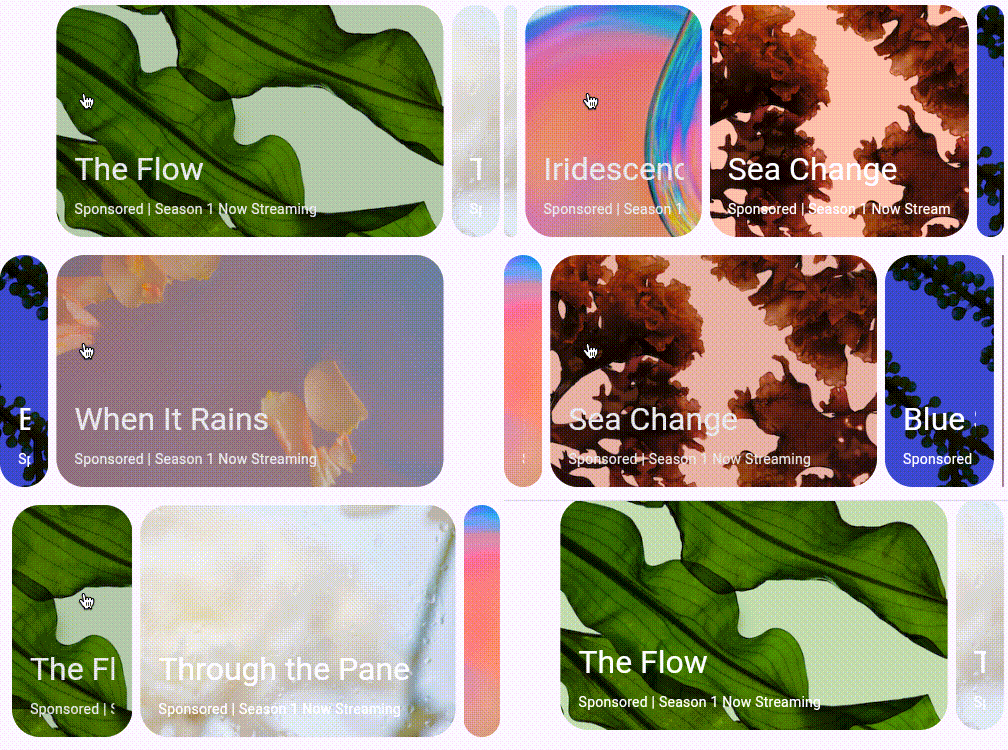
焦点项(中心项)最大化展示,其他项缩小或者部分可见,创建焦点效果。基于weighted模式,通过自定义权重实现。变体包括center-alinged hero(中心对齐英雄布局),项围绕中心渐变大小。适合突出推荐内容,如焦点产品展示。使用CarouselView.weighted()设置权重如[1, 3, 1]中心项最大。
示例
import 'package:flutter/material.dart';
class HeroCarousel extends StatelessWidget {
Widget build(BuildContext context) {
return Scaffold(
body: CarouselView.weighted(
flexWeights: const [1, 3, 1], // 中心项权重最高
padding: const EdgeInsets.symmetric(horizontal: 32),
children: List.generate(5, (index) => Card(
child: Container(
height: 200,
child: Center(child: Text('Hero Item $index')),
),
)),
),
);
}
}
构造函数
CarouselView.new({
  Key? key,
  EdgeInsets? padding,
  Color? backgroundColor,
  double? elevation,
  ShapeBorder? shape,
  Clip? itemClipBehavior,
  WidgetStateProperty<Color?>? overlayColor,
  bool itemSnapping = false,
  double shrinkExtent = 0.0,
  CarouselController? controller,
  Axis scrollDirection = Axis.horizontal,
  bool reverse = false,
  ValueChanged<int>? onTap,
  bool enableSplash = true,
  required double itemExtent,
  required List<Widget> children
})


CarouselView.weighted({
  Key? key,
  EdgeInsets? padding,
  Color? backgroundColor,
  double? elevation,
  ShapeBorder? shape,
  Clip? itemClipBehavior,
  WidgetStateProperty<Color?>? overlayColor,
  bool itemSnapping = false,
  double shrinkExtent = 0.0,
  CarouselController? controller,
  Axis scrollDirection = Axis.horizontal,
  bool reverse = false,
  bool consumeMaxWeight = true,
  ValueChanged<int>? onTap,
  bool enableSplash = true,
  required List<int> flexWeights,
  required List<Widget> children
})
属性
| 属性名 | 属性类型 | 说明 |
|---|---|---|
| backgroundColor | Color? | 背景颜色 |
| children | List<Widget> | 子组件,轮播图项列表 |
| consumeMaxWeight | bool | 用于控制是否优先让焦点项占用最大权重 |
| controller | CarouselController? | 用于控制滚动视图滚动位置的控制器 |
| elevation | double? | Z轴深度 |
| enableSplash | bool | 用于控制是否每个轮播项都覆盖有墨水效果,即InkWell组件 |
| flexWeights | List<int>? | 用于控制权重比例的列表 |
| itemClipBehavior | Clip? | 用于控制每个轮播项的裁剪 |
| itemExtent | double? | 设置轮播项在主轴上的占用空间 |
| itemSnapping | bool | 控制轮播项在边缘时是否进行吸附 |
| onTap | ValueChanged<int>? | 轮播项点击事件 |
| overlayColor | WidgetStateProperty<Color?>? | 用于设置指示轮播项在被点击,悬停和聚焦时的高亮颜色 |
| padding | EdgeInsets? | 内边距 |
| reverse | bool | 设置轮播项是否反向排列 |
| scrollDirection | Axis | 控制滚动方向为水平还是垂直 |
| shape | ShapeBorder? | 设置每个轮播项的遮罩形状 |
| shrinkExtent | double | 设置每个轮播项在滚动时主轴方向上缩小的最小的尺寸 |